
Hands on with Tiger Woods PGA Tour 13 Kinect
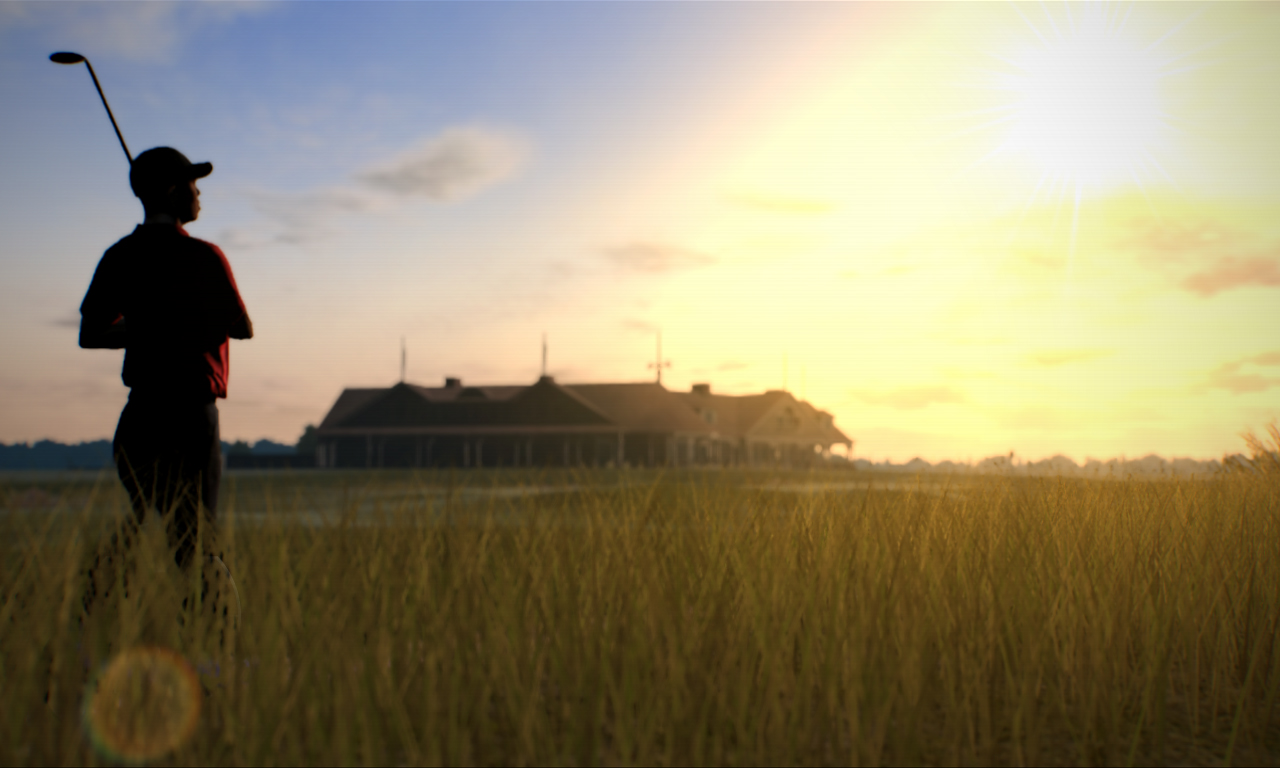
Not long ago I got the opportunity to try out the Kinect feature for Tiger Woods PGA Tour 13 at Microsoft Ireland. Now let’s see if the feature lands on the fairway or in the rough.
The Kinect feature is primarily used during gameplay, so don’t expect to be moving your hand too often when on the menu screen. To play using the Kinect you have to choose to use it at the start of the game which is pretty good, but I don’t know if there is a way to change from the Kinect to the controller or vice versa during a game.
The game sees you use your left and right hand and voice input for various aspects of the game. Your right hand and voice input is for selecting play options, your left is used to get a rough estimate to see where the ball might land and you have to use both hands to swing your club and to put spin on the ball.
Using your right hand to pick some play options can be a bit annoying. The movement did feel very sensitive with any quick movements causing the selection to go a bit crazy so you have to be careful. If you hate using your right hand you can use voice commands to select your play options. Before going on about the voice commands I have to note I was in a room with various other people talking so voice commands was a tad difficult and I don’t recommend trying to use them with other people around you. That said I liked them even though I had to repeat the word a few times and raise my voice so that the Kinect would pick up what I said.
The function you control with your left hand was pretty much perfect, but this could be down to the fact that there is far less options you need to control with it compared to your right hand or voice. The left hand allows you to look down the fairway and see where the ball might land this is done by raising your left hand to your head as if you are saluting someone, after you enter the view you can put your hand down. To exit the mode you just put your hands together like you are getting ready to swing.
For the swinging of the golf club you have to face the screen, put your hands together like you would for an actual golf club and move your hand back performing a swing motion. The swing motion has a few issues the main one been the fact that the swing you perform might not accurately translate well into the game. For example when I was moving my hand back to swing the players club appeared to be moving all over the place and wasn’t picking it up when properly, after a few tries I got the character on screen to follow my swing motion rather well. After you strike the ball and it goes skyward you can raise your hands in the air still together and move them whichever way you want the ball to spin, this works rather well if the area you are landing on has a slope which is mainly on the putting green.
One last issue I have is when putting and using aim shot you have to be careful when moving your hand for aiming because it is very sensitive.
Overall I enjoyed the Kinect feature for Tiger Woods PGA Tour 13. The issue with the swinging not always translating well is a bit annoying, but the other functions are pretty nice. For those who own a Kinect this function will be pretty enjoyable.
Author: Ash Meehan
Hi, I’m the creator of SG Gaming Info. When I’m not working on my writing or creating content for this site’s YouTube channel, I like to relax and enjoy character driven story games.

